Product tour
Find your way around.
Explore a local development preview with real sign-in and file upload. Model connections and background workers are off; no answer or completed task is shown.
← → move · Esc overview
01 / Start a task
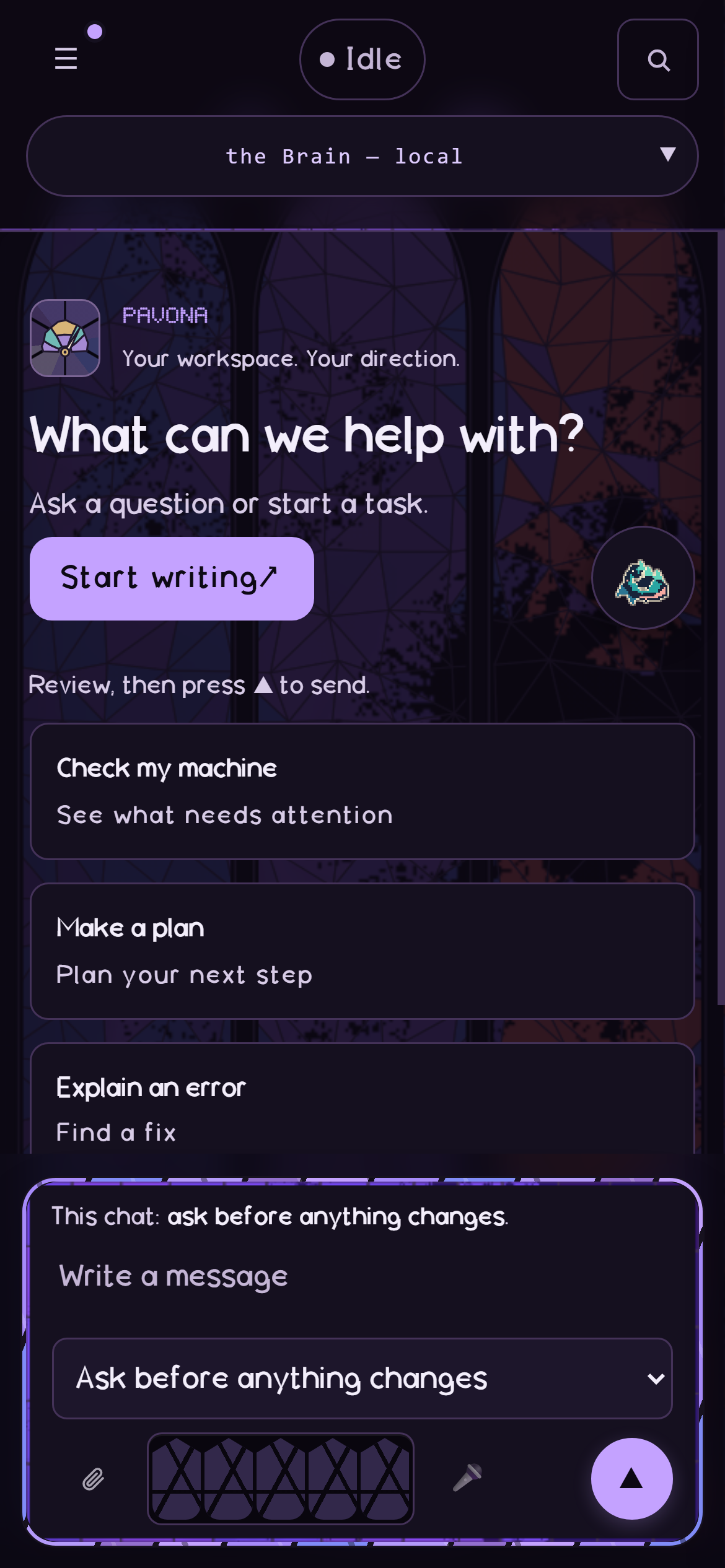
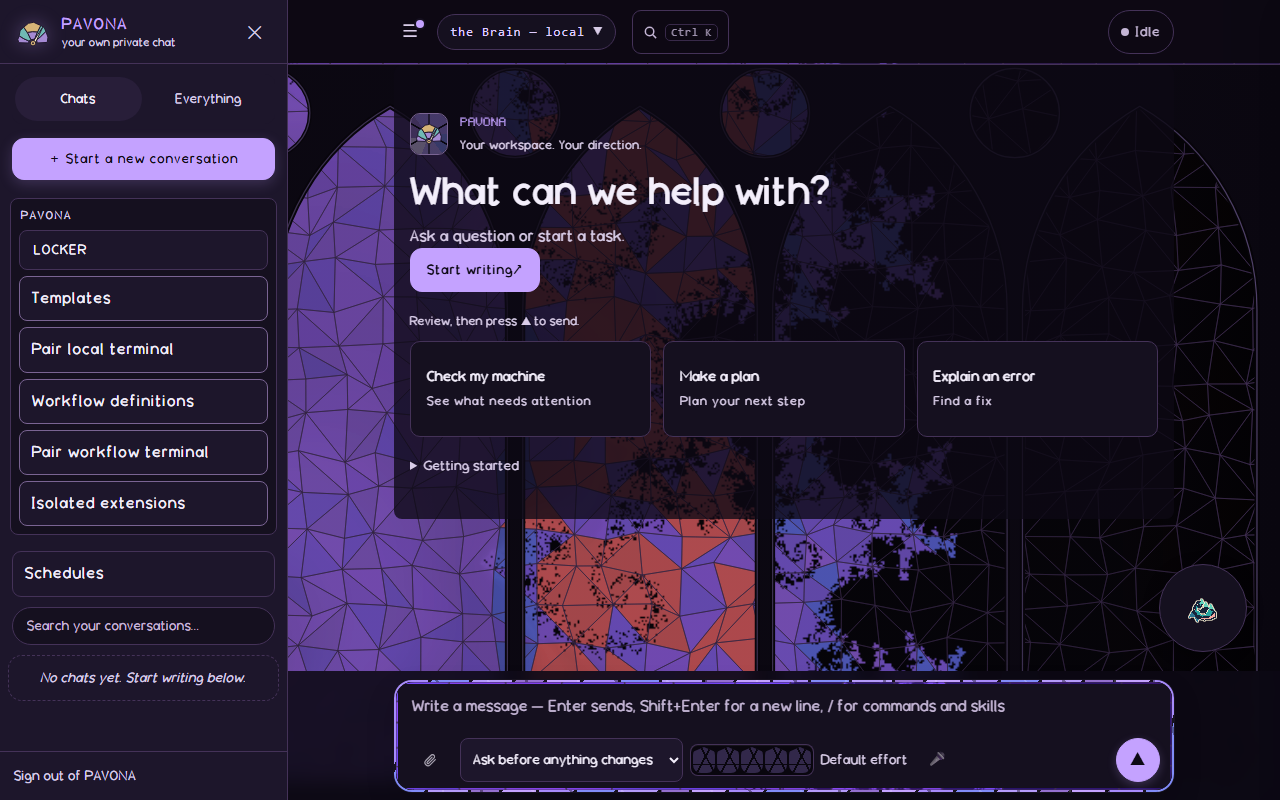
Start with a task.
Choose Start a new conversation, then type or select Make a plan. Review your draft before sending.
02 / Choose a model
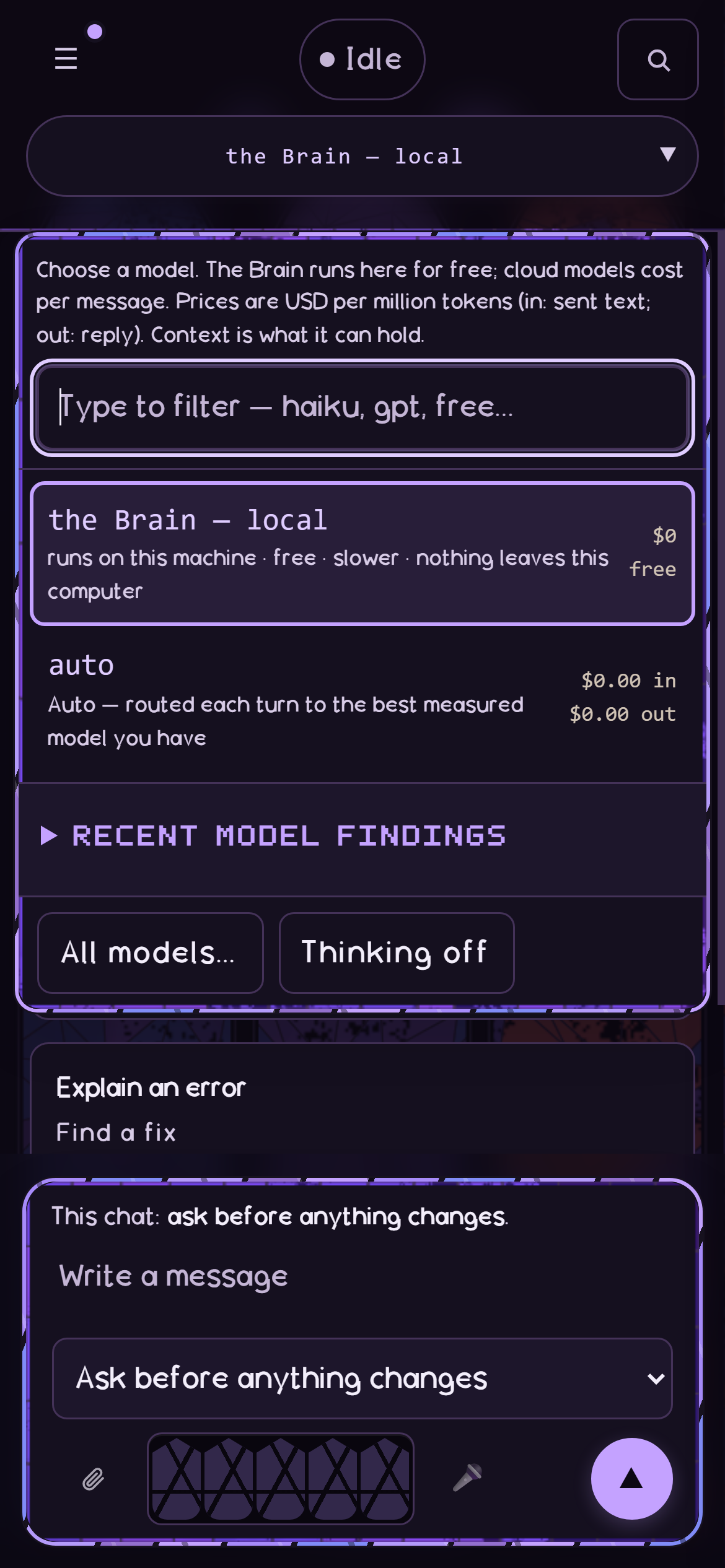
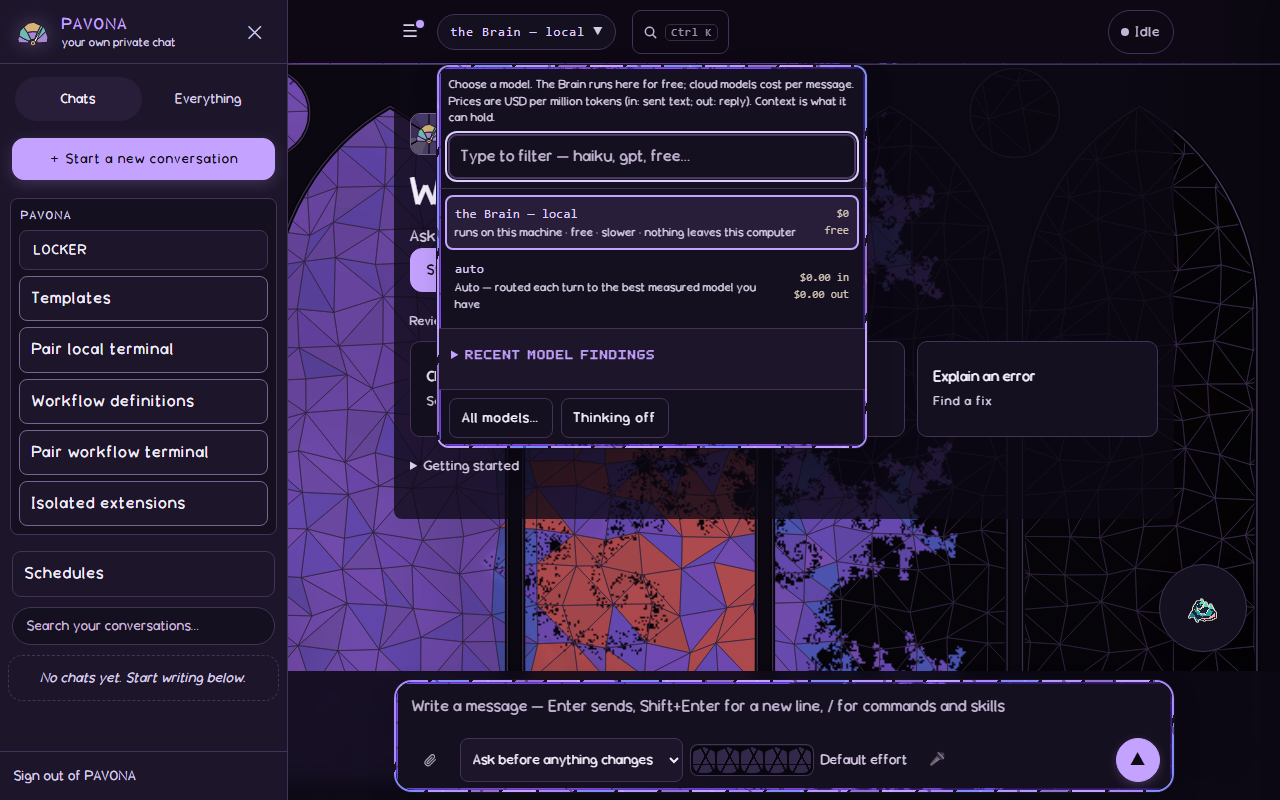
Choose a model.
Open the top model control. Permissions start at Ask before anything changes. For read-only work, choose Plan only, change nothing.
03 / Add context
Add context.
Choose Attach a file, or type / for Commands and skills. Review context and permissions, then send.
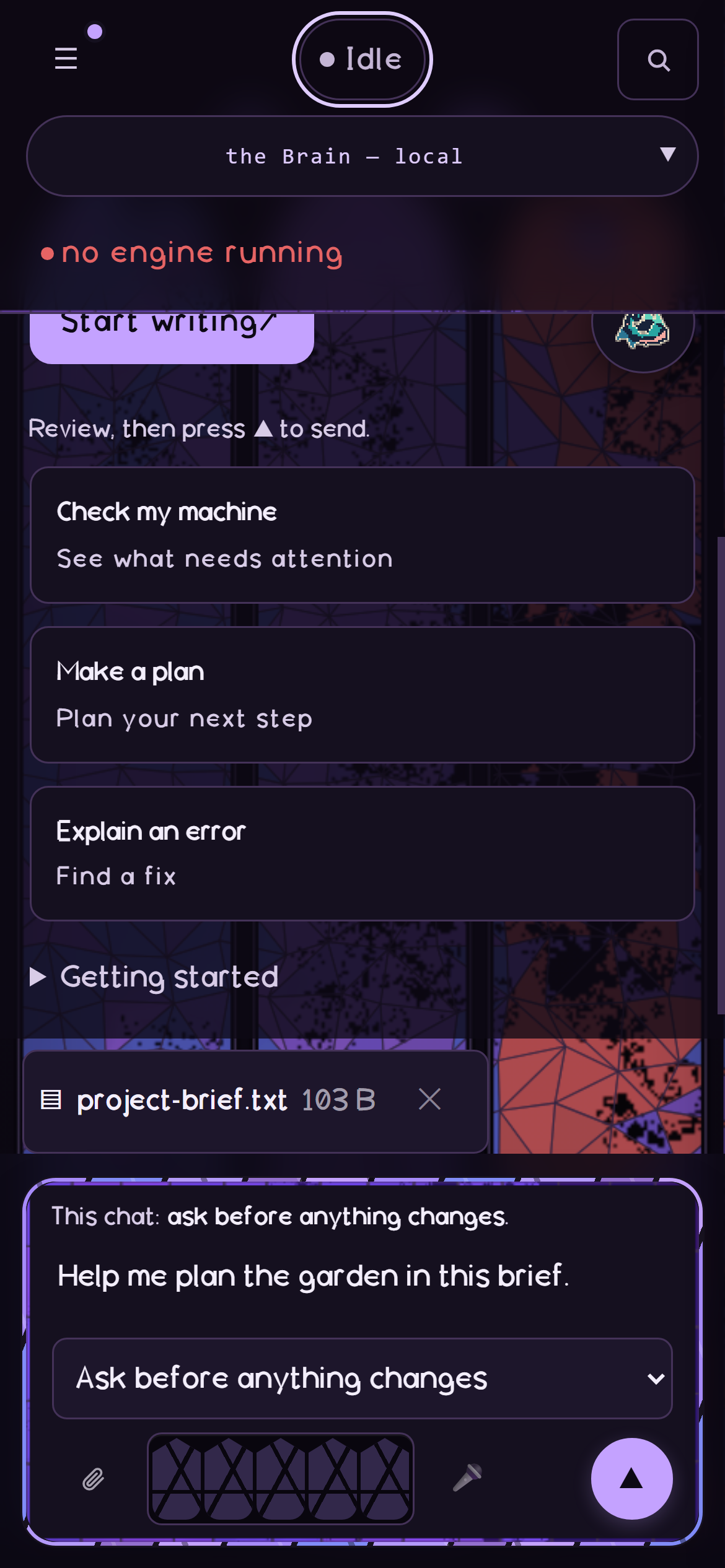
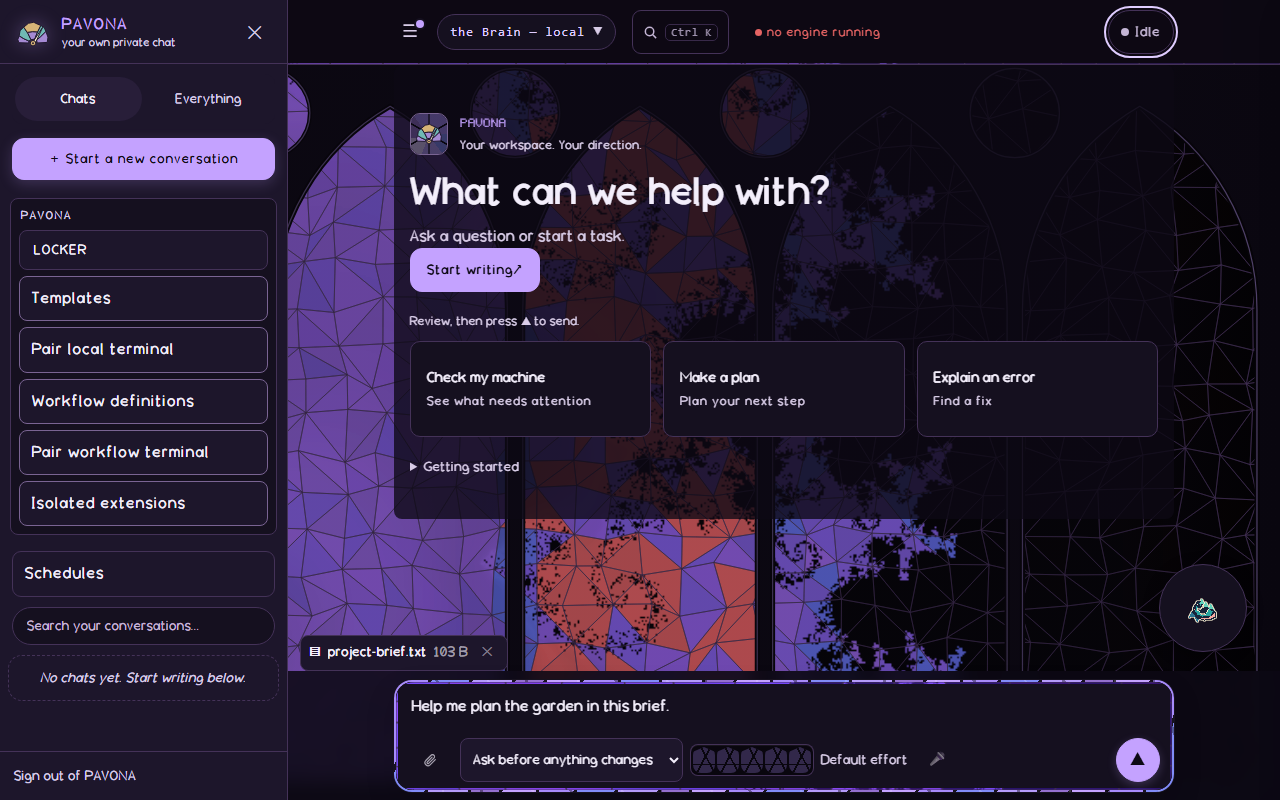
The file was uploaded and read back. Model use and skill execution are not demonstrated.
04 / Follow work
Follow the work.
Open Work to follow plans, changes and activity. Read each run's result before treating an action as finished.
- Plan
- Files
- Runs
- Permissions
- Records
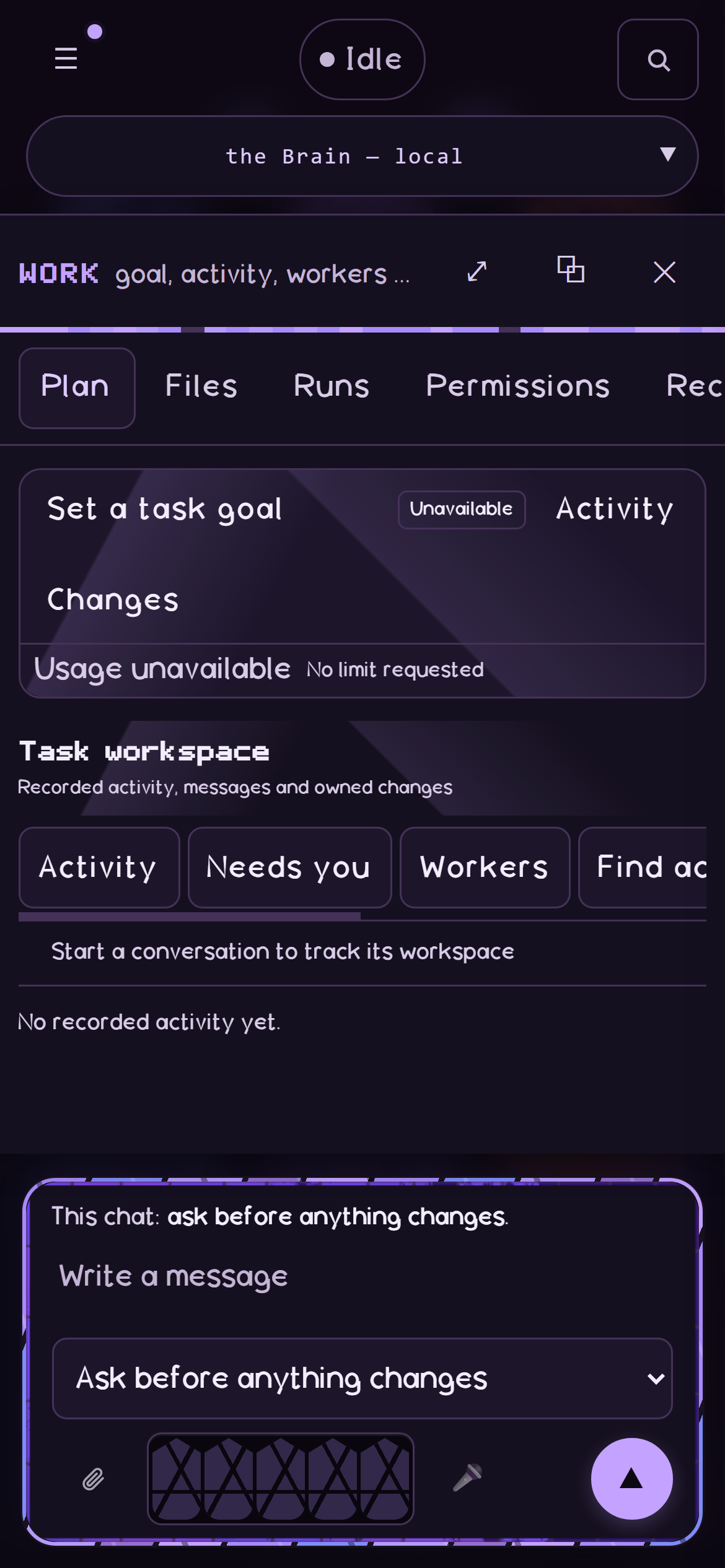
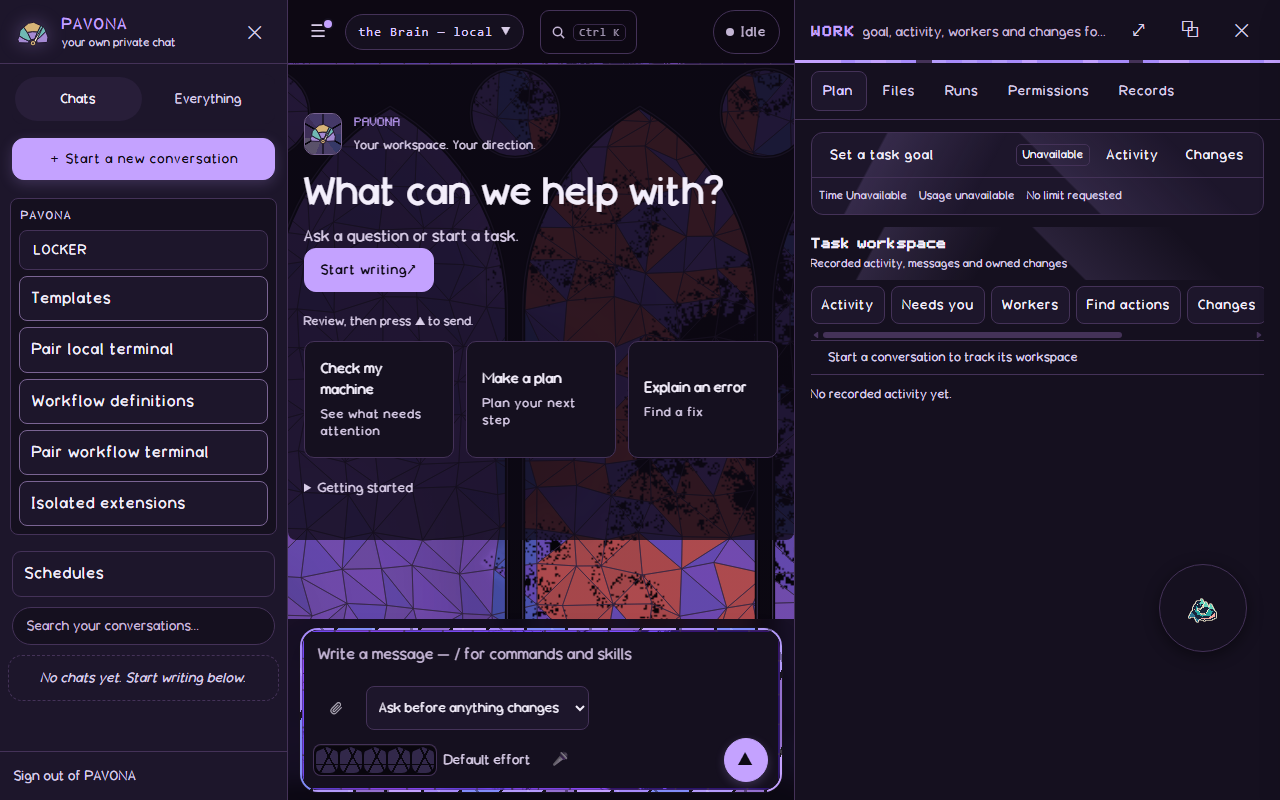
The Work pane as it opens; no completed run is pictured.
05 / Review a change
Decide what stays.
Inspect the diff. Choose Keep or Put back this edit, then check the file.
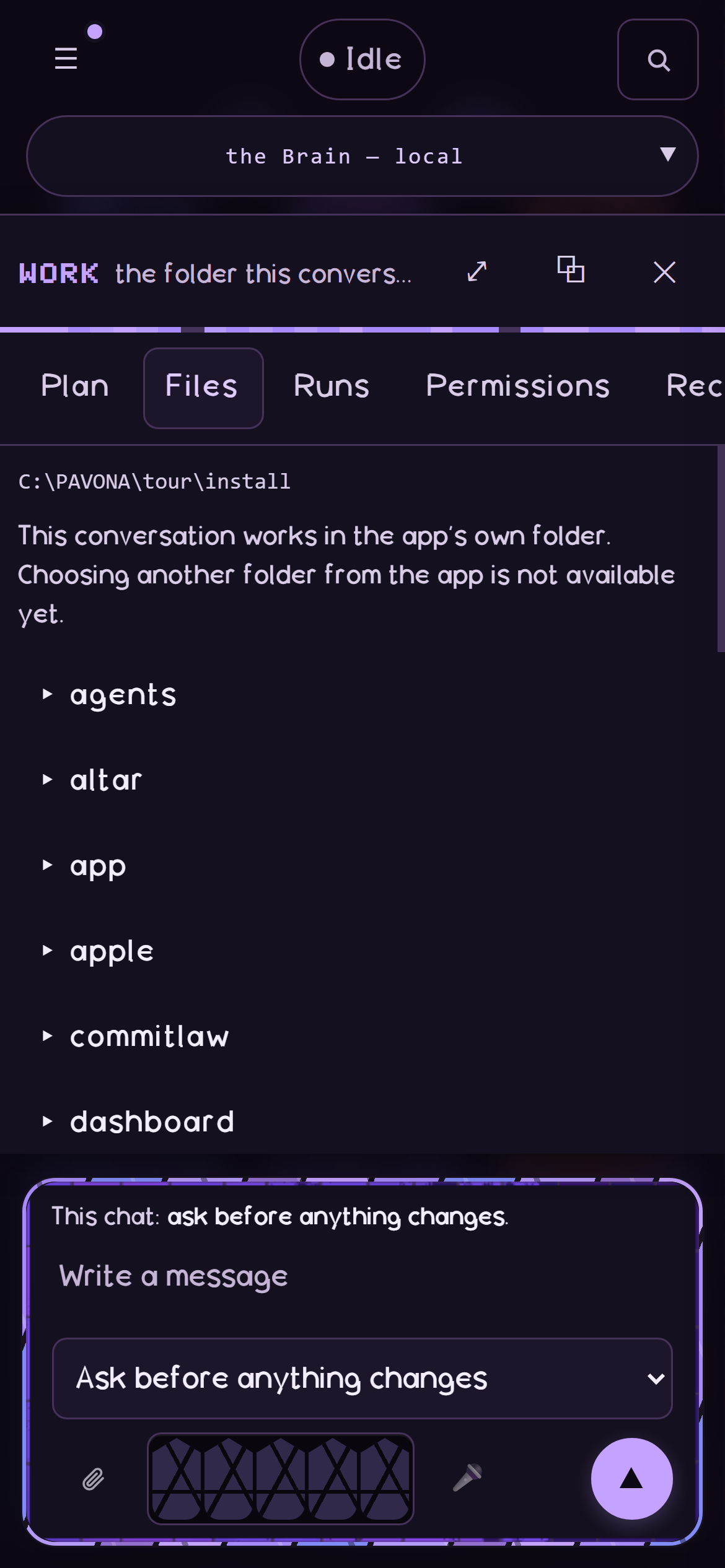
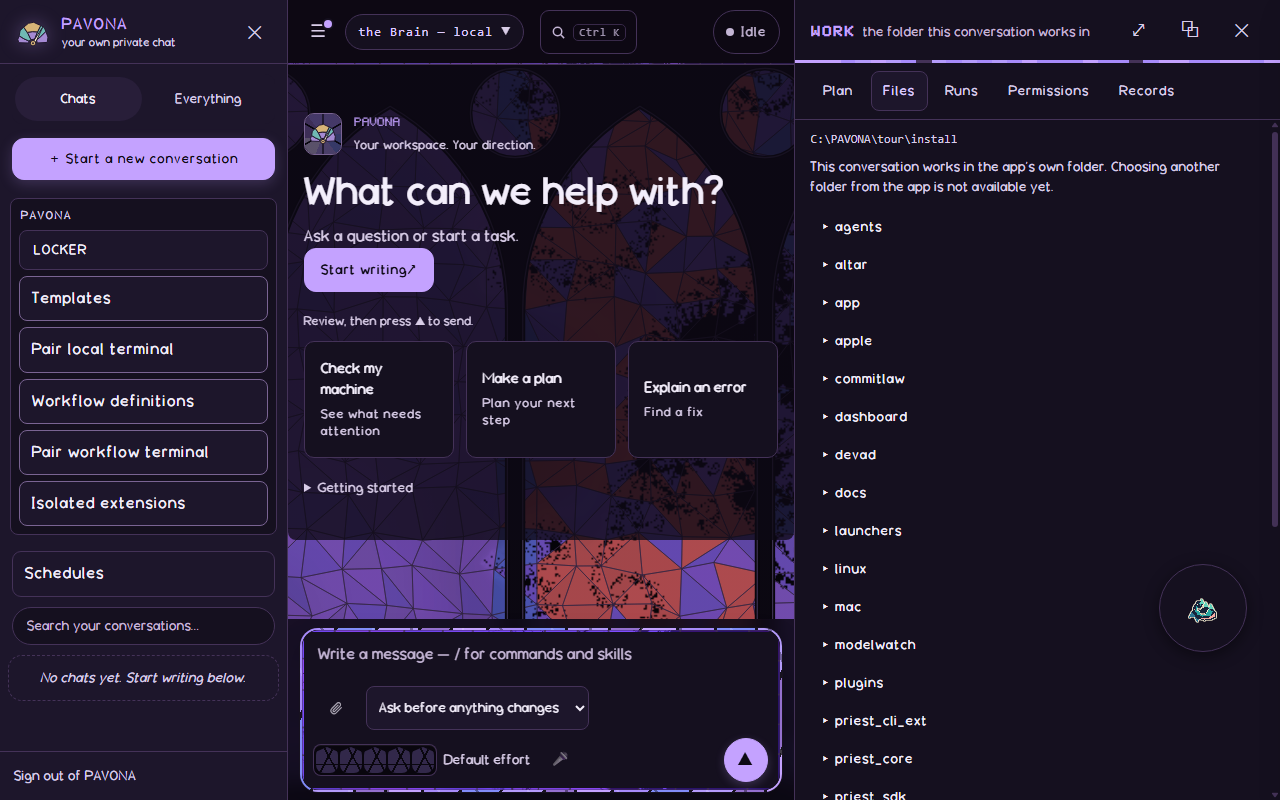
The Files view where changes are reviewed. Tool execution and rollback are not demonstrated in this preview.